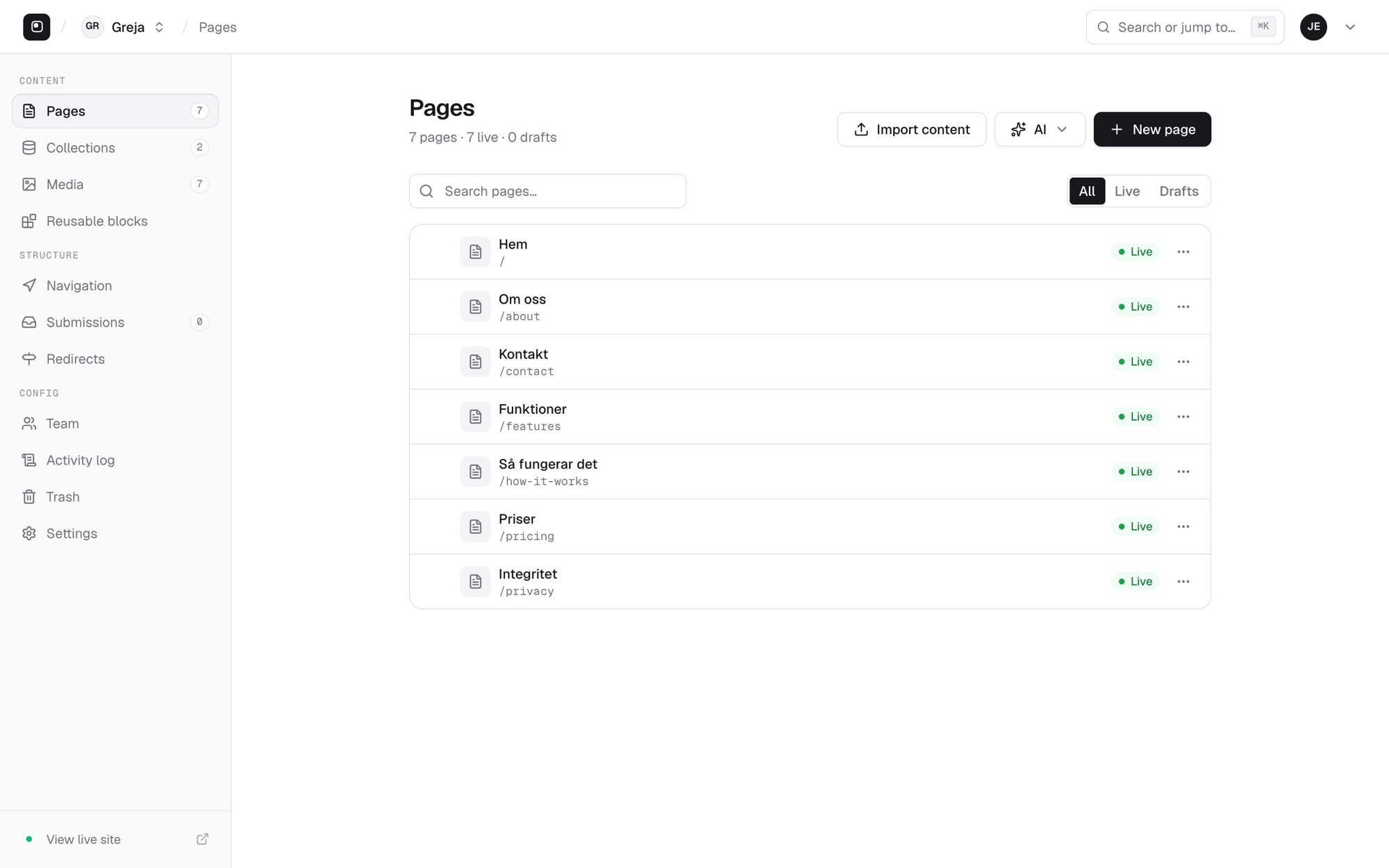
No tiers and no add-ons. Here's everything that's included — shown in the real studio, not a mockup.
A tour of the studio
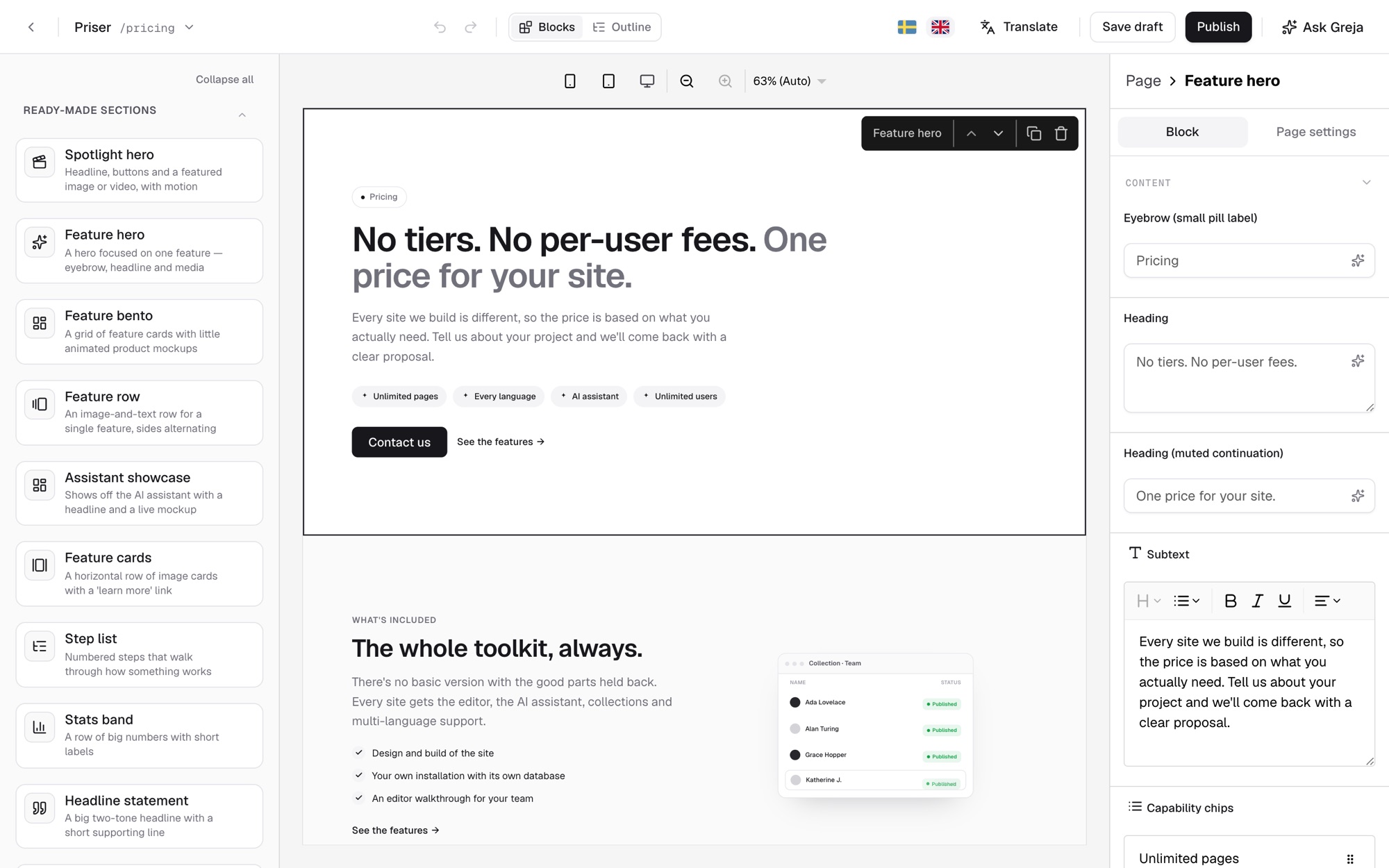
The page looks exactly as it does on the published site. Click a text and type, or drag ready-made blocks in from the library.
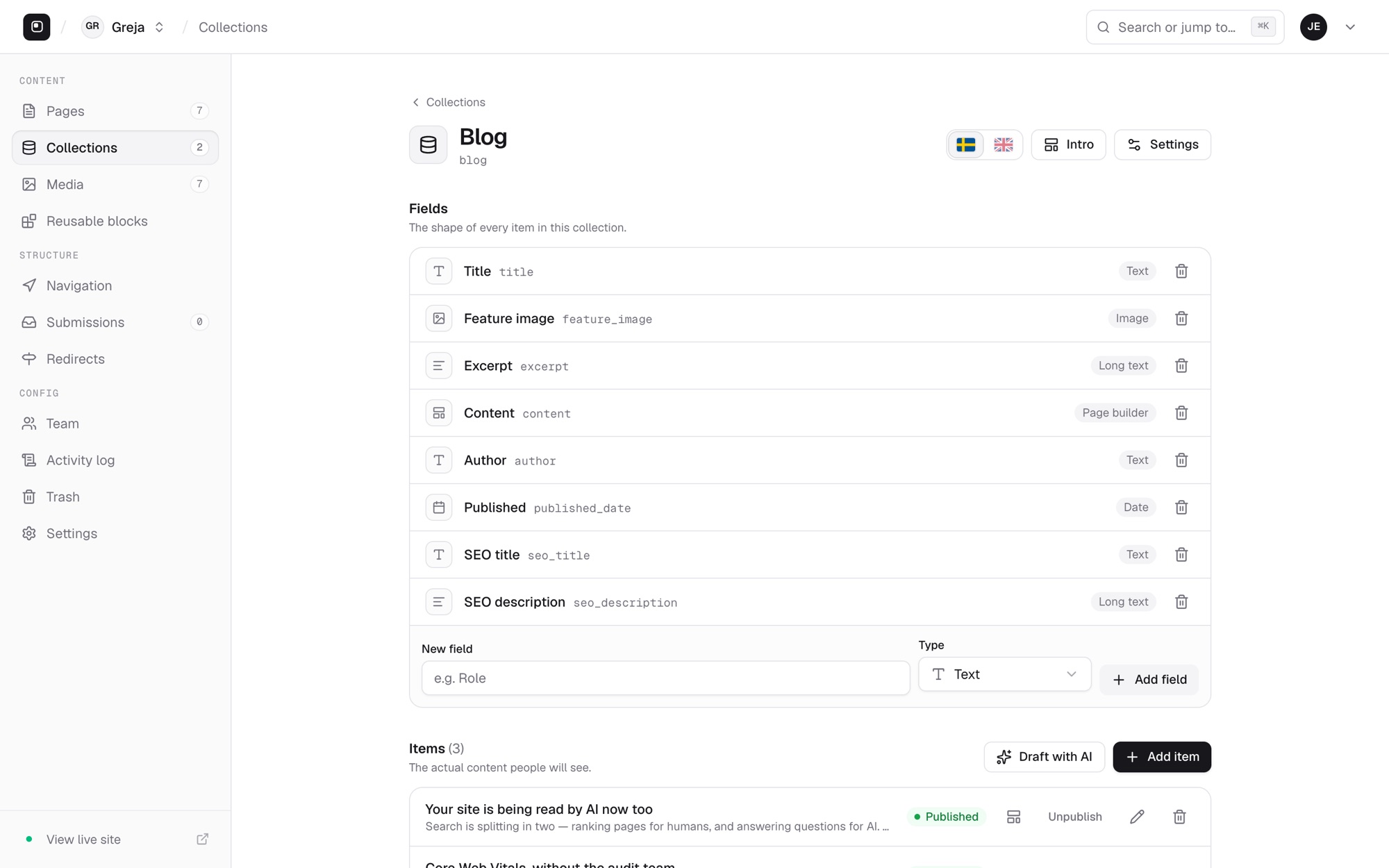
Blog posts, rooms, treatments, team members — define the fields once and every entry gets its own page and can be listed anywhere on the site.
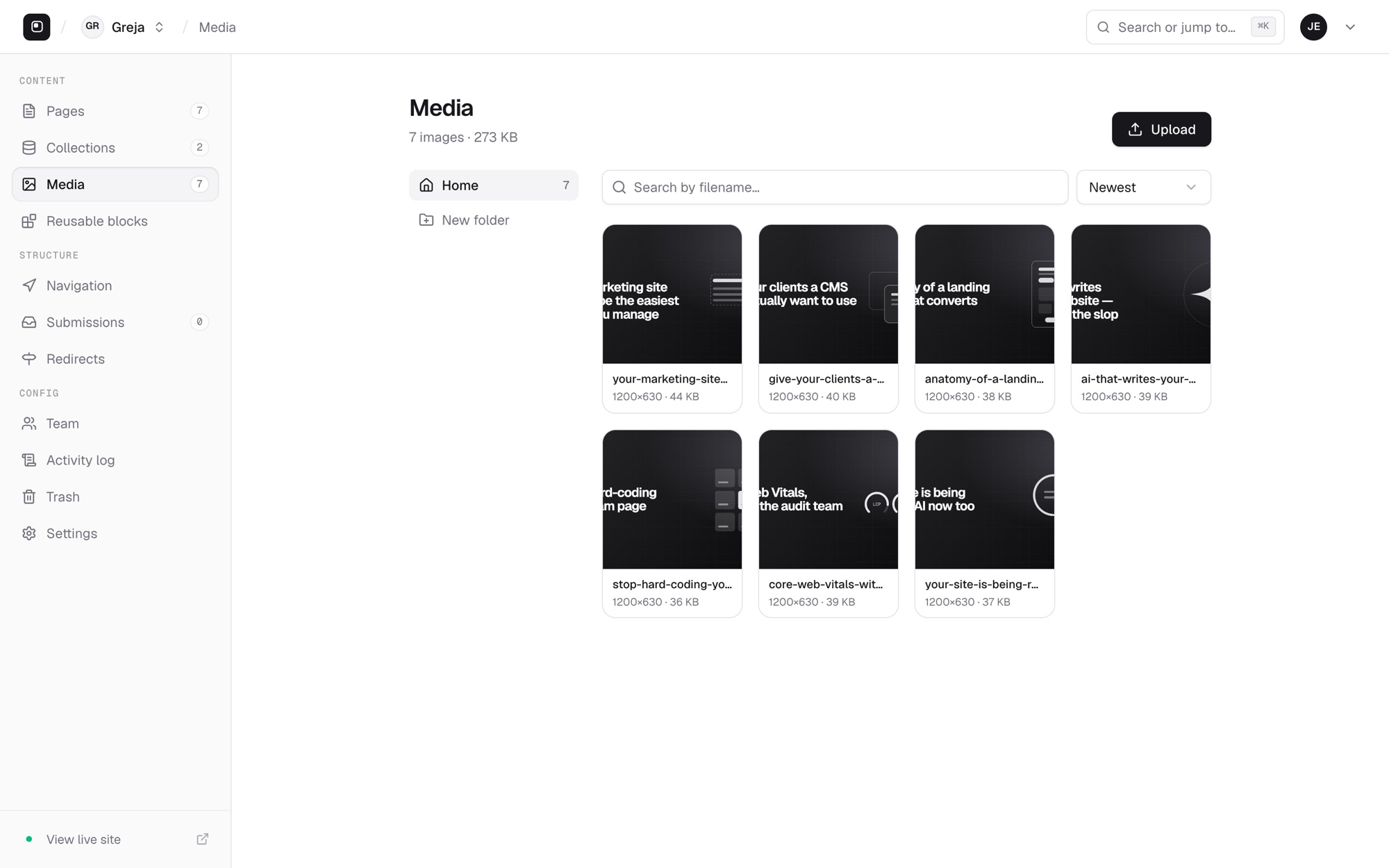
Upload once, use anywhere. Folders and search keep things tidy, and the AI fills in missing alt text.
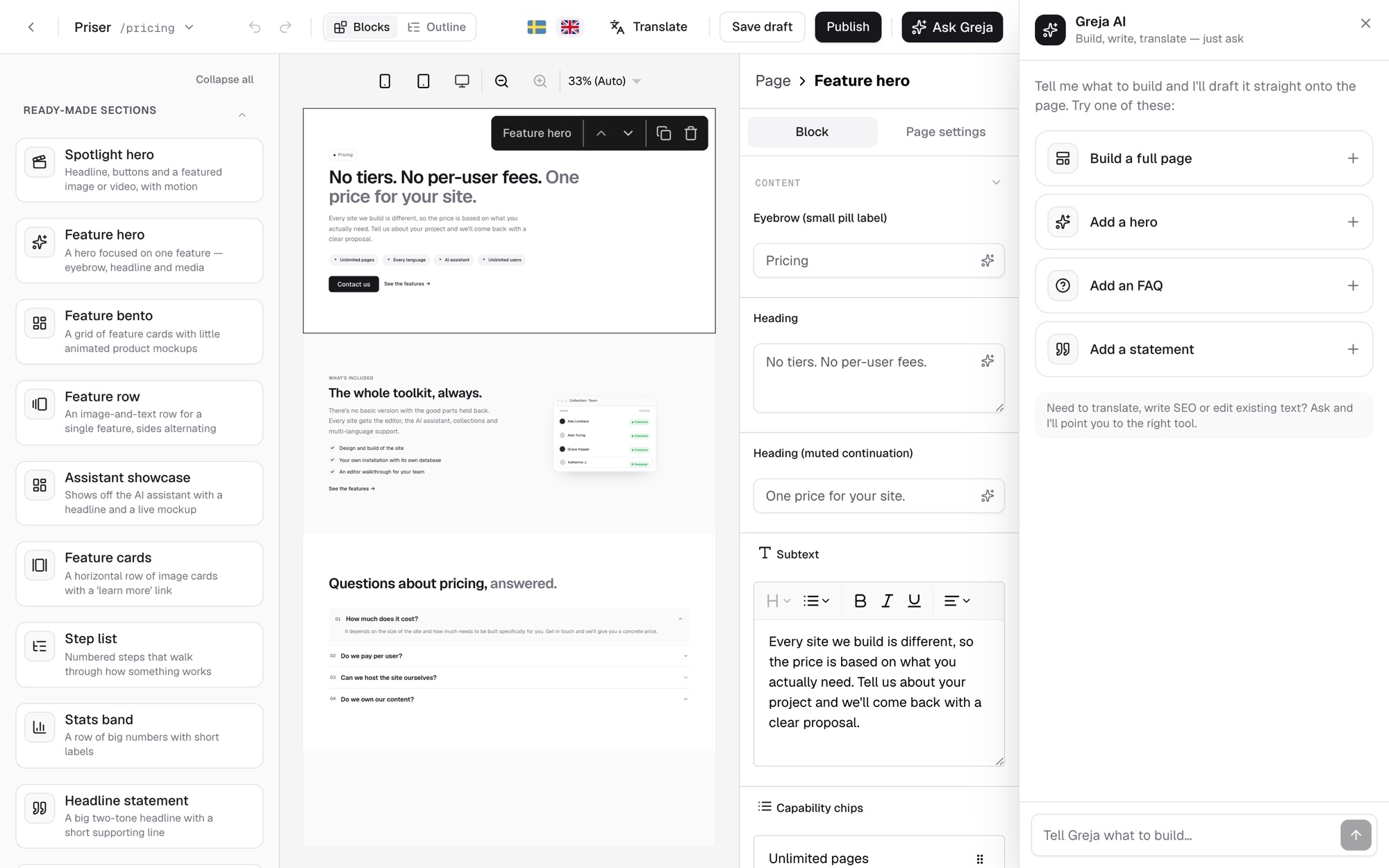
The assistant works inside the editor. It can draft a new section, rewrite copy, translate and suggest SEO text. Everything it does stays a draft until you publish.
Publish in one click or schedule it for later. When a page changes address, redirects are created automatically so old links keep working.
Also built in
The things that often get forgotten, need a plugin or cost extra. Here they're included.
Every page, menu and SEO text in every language the site has.
Titles, descriptions, share images, a sitemap and structured data.
Publish or unpublish a page at a set time.
Created automatically when an address changes, or added by hand.
Submissions collect in the studio. Export as CSV or forward with a webhook.
Build a block once and use it on several pages.
Header and footer menus are edited right in the studio.
The blog and other collections get a feed automatically.
Every publish is saved and can be restored.
Deleted pages, entries and files can be brought back.
Every block adapts to the screen — nothing to configure.
Connect an analytics tool or add your own scripts to the page head.
For IT
Proven technology — Next.js, React and PostgreSQL — that any developer can pick up.
Every client has a dedicated PostgreSQL database that's never shared.
A standard Docker container against PostgreSQL, in any cloud.
Export the whole site as JSON — and import it again.
Owner, editor and client — each sees what they should.
Who changed what, and when.
Pull pages, collections and menus into other apps.